
Best 5 Test Case Management Tools for 2025

AI is transforming software testing, bringing new capabilities to test management. Modern test management tools leverage AI for tasks like test case generation, intelligent execution scheduling, and maintenance of test suites. This leads to faster test cycles, higher test coverage, and more efficient QA processes (as described in an AI unit testing guide). These platforms integrate with development workflows (CI/CD, issue trackers) to provide rich analytics and seamless collaboration. As a result, QA teams can focus on exploratory testing and improving user experience while repetitive testing tasks are automated.
Below we explore the best test management tools in 2025. Each tool offers robust test case management capabilities – from organizing test data and cases to tracking test execution and results. Many also incorporate AI or automation support to help agile teams manage testing activities more effectively. Let’s dive into the top five software test management tools and see what each offers.
1. testomat.io
testomat.io is a modern AI-powered test management platform for both manual and automated testing. It provides a unified space for QA teams to design, organize, and run tests with AI assistance. The platform focuses on reducing the heavy lifting in test case creation and maintenance. It leverages generative AI to create test cases from natural language descriptions and uses machine learning to detect duplicate tests or potential defects. testomat.io seamlessly integrates with popular test automation frameworks (Cypress, WebDriverIO, Playwright, Selenium, and more) and CI/CD tools to fit into any development process. Its intuitive user interface and rich analytics make it a central hub for managing test suites and test runs with efficiency and transparency. Teams can link tests to requirements, track versioned test history, and get real-time insights into test execution results, coverage, and trends.
Key Features:
- AI-assisted test case generation from requirements or user stories in natural language (speeds up test design and reduces manual effort)
- Intelligent suggestions for improving test cases and auto-detection of duplicate tests or defects
- Seamless integration with CI/CD pipelines and support for all modern test frameworks (e.g. Cypress, Playwright, Selenium) for automated test runs
- Comprehensive analytics dashboard (flaky test detection, automation test coverage metrics, failure trends, and test progress charts)
- Two-way Jira integration and living documentation – test cases automatically sync with linked user stories, defects, and test results for traceability
- BDD support with Gherkin syntax and shared step libraries for behavior-driven test design and reusable test steps
- Version control for test cases with history tracking, allowing teams to monitor changes and maintain a single source of truth for all testing artifacts
Pros:
- AI-powered features save time by auto-generating test cases and suggesting improvements for existing cases
- Highly flexible workflow customization with tagging, filtering, and custom fields, plus tailored reporting widgets for specific QA processes
- Enterprise-ready performance (supports running thousands of tests in parallel across environments with consistent execution)
- Strong Jira and Confluence integration for seamless requirements and defect linking, improving team collaboration and traceability
- Unifies automated and manual testing in one app – all testing activities managed together without switching tools
- Built-in BDD capabilities and shared steps repository enable maintainable, reusable test case design (great for agile and DevOps teams)
- Tracks test versioning and changes over time, acting as a living test case repository and documentation for quality assurance efforts
Cons:
- A relatively new platform – some advanced features are still maturing, and active development can lead to occasional minor bugs
- Reporting customization is somewhat limited in early versions (the range of report formats and visualizations is expanding quickly with updates)
Pricing: testomat.io offers a Free plan for small projects. The Professional plan starts at about $30 per user/month (billed annually), which includes most features and the AI capabilities. Enterprise plans are available with custom pricing for larger teams and additional support/security options.
2. Qase
 Qase is a cloud‑based test management platform that unifies manual test cases, test suites, test runs, and automated results in one workspace. Its AI assistant, Aiden, can draft test cases from requirement descriptions and helps teams translate manual steps into automation‑ready scripts, expanding coverage with less coding. Reusable step libraries and visual planning views support faster, clearer test design. Qase also provides defect tracking capabilities and robust APIs so teams can connect design, execution, and bug reporting end to end. With broad integrations—including Jira, Slack, and popular automation frameworks—it fits smoothly into modern CI/CD workflows and team collaboration.
Key Features:
- AI Test Case Generator: Uses generative AI to create test cases from requirements or user stories automatically, accelerating test case authoring
- AI Auto-Test Converter: One-click conversion of manual test cases into automated test scripts (supports multiple languages/frameworks for quick automation)
- Unified repository for both manual and automated tests, with traceability between requirements, test cases, and defects (ensures full test coverage and easy tracking of test cycles)
- Shared steps library and visual mind map for test suites, allowing reuse of common test steps and intuitive organization of test cases
Pros:
- Powerful AI-driven test case generation and conversion dramatically reduce the manual effort needed to write and maintain test cases
- Unified workspace combines manual test management and automated test result reporting, so all testing efforts are visible in one platform
- User-friendly interface with an intuitive layout, making it easy for new users and agile teams to get up to speed
Cons:
- Advanced AI features (like the full AI assistant capabilities) are only available on higher-tier plans, and some are still evolving (beta phase improvements ongoing)
- Certain complex features have a learning curve – teams may need some training to fully leverage powerful options like custom API usage or complex reporting
Pricing:
| Plan | Users included | Approx. price (USD/user/mo) | Notes |
|---|---|---|---|
| Free | Up to 3 users | $0 | Freemium entry tier with core test management features. |
| Startup | Not specified (beyond Free) | ~$20 (billed annually) | Entry paid tier. |
| Business | Up to 100 users | ~$36 | Includes AI features & advanced integrations; 14‑day free trial available. |
| Enterprise | Not specified | Custom | Additional security & support; pricing on request. |
3. TestRail
 TestRail is a long‑established, widely adopted test case management platform used by QA teams for 10+ years. It lets you create structured test suites and sections, plan and run test cycles, assign testers and target configurations, and track execution results in detail. Reporting includes real‑time dashboards plus summary views of run status, coverage, and linked defects. TestRail integrates with common issue trackers/ALM systems (e.g., Jira, Azure DevOps, Bugzilla) so you can file bugs directly from failed tests. A full REST API supports automation reporting—teams can pipe automated results in to update pass/fail status. Available as cloud or on‑premises deployment. As of my last update (June 2024), it has no native AI features; its value lies in a mature, scalable core for large test repositories and teams.
Key Features:
- Test planning and milestone tracking: ability to create test plans that group multiple test runs, schedule runs for different releases, and track milestones for project deadlines
- Test execution tracking with runs and results: assign test runs to team members, record outcomes (pass/fail/block) with comments and attachments, and automatically tally testing progress
- Real-time dashboards and detailed reporting: built-in reports for metrics like test coverage (e.g. which requirements have tests, which tests have run/passed), defect distribution, and progress charts for test cycles
- Integrations and API: out-of-the-box integration with Jira (and other trackers) for defect linking, and a robust API to pull or push test results, supporting integration with automation frameworks and CI pipelines
Pros:
- Rich, feature-packed platform for managing test cases and runs – supports complex projects with thousands of test cases and multiple test plans with ease
- Offers both cloud (SaaS) and self-hosted deployment options, so companies can choose on-premise for tighter control or cloud for convenience
- Extensive integration capabilities (via plugins and API) with issue tracking, requirements management, and automation tools, making it easy to fit into any software development lifecycle or even full application lifecycle management setup
Cons:
- Pricing is on the higher side – licenses are per user, so costs add up significantly for larger teams (especially for the higher-tier plans or on-prem enterprise licenses)
- Lacks modern AI-assisted capabilities or built-in automation support that some newer tools offer – it relies on integration for automation, with no native self-healing or AI analysis of test cases
Pricing:
| Option | Deployment | Starting price* | Billing | Notes |
|---|---|---|---|---|
| Cloud – basic tier | Cloud (SaaS) | ~$32 per user/month | Billed annually | Entry-level plan. |
| Cloud – professional tier | Cloud (SaaS) | ~$42 per user/month | Billed annually | Enhanced features & support. |
| Server license | Self-hosted | ~$2,499 for 10 users (one-time) | License + maintenance | On‑premises deployment. |
| Enterprise package | Custom | Contact sales | Custom | May include dedicated support, SSO, etc. |
| Free trial | Cloud | $0 | Trial period | Available for new users. |
*Prices are approximate starting points from the provided information.
4. PractiTest
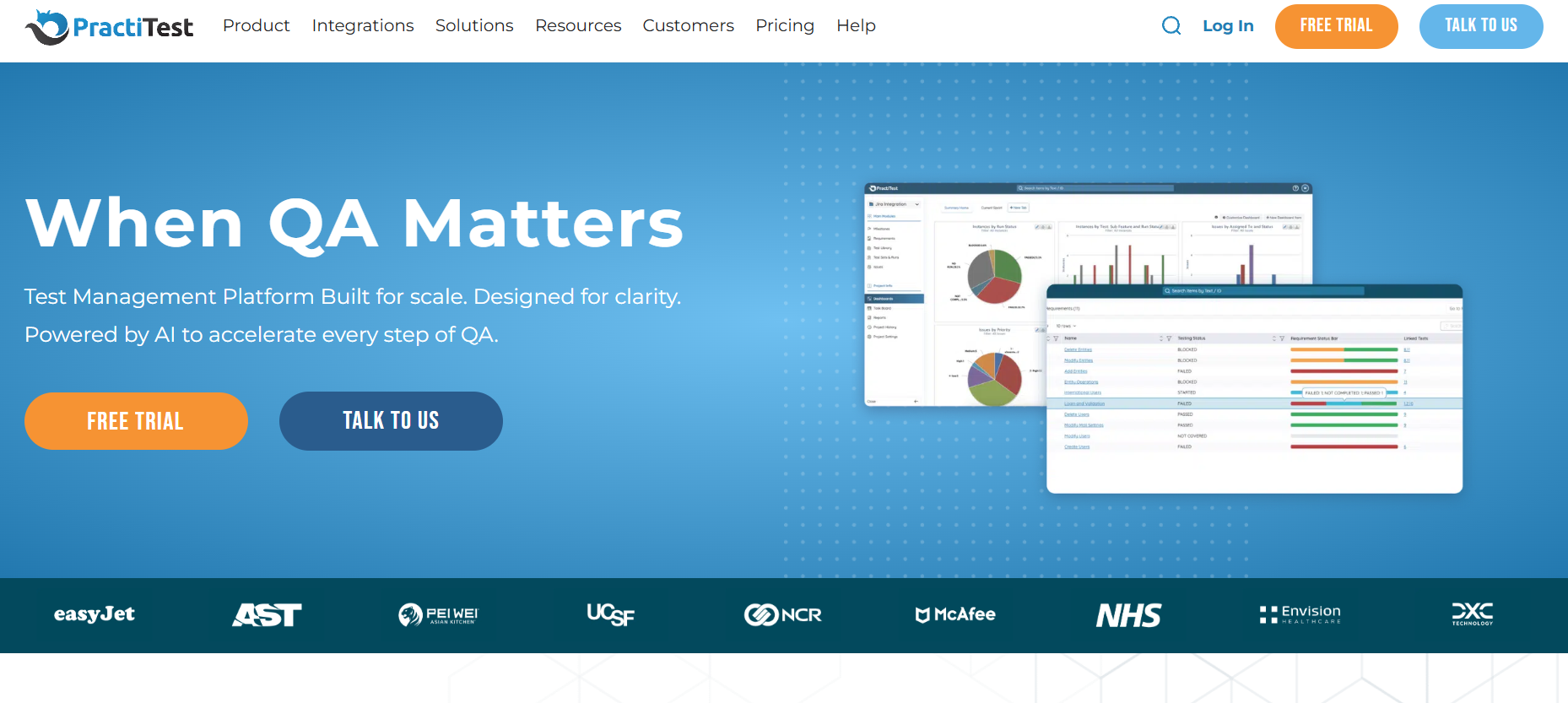 PractiTest is a cloud‑based end‑to‑end test management platform that centralizes QA work—from creating and organizing manual test cases to scheduling and tracking runs, capturing results, and logging defects—in one place. Teams can define custom fields, filters, and workflows so the data model and reporting align with their processes, and they can link requirements, tests, and issues for full traceability. PractiTest integrates with widely used bug tracking, CI, and automation tools (including Jira, Azure DevOps, Bugzilla, Selenium, Jenkins, and others) and supports collaboration through comments, notifications, and shared dashboards. Its reporting and analytics help teams understand coverage, quality trends, and where to focus testing next. Delivered as SaaS, PractiTest supports organizations of many sizes.
Key Features:
- Unified platform covering the entire test lifecycle: requirements management, test case creation, organizing tests into sets or test suites, test execution tracking, and defect reporting all in one place
- Integrations with a wide range of tools: native two-way sync with Jira (and other issue trackers), and connectivity with CI/CD and automation tools (like Jenkins, Selenium, JUnit) to report automated test results into PractiTest
- Highly customizable fields, filters, and dashboards: define your own fields for tests or issues, filter by any parameter (such as component, sprint, tester), and create personalized dashboard widgets to track what matters to your team
- Advanced reporting and analytics: out-of-the-box reports (traceability, test progress, coverage, etc.) and a customizable report engine. PractiTest’s data intelligence features (e.g., ValueScore) help identify high-value tests and optimize testing efforts
Pros:
- User-friendly interface – testers often praise PractiTest’s modern and straightforward UI, which shortens the learning curve and makes daily test management tasks easy
- Extensive customization options – the ability to add custom fields, create filter views, and adjust workflows means the tool can adapt to various project needs and QA processes
- Strong integration ecosystem – out-of-the-box plugins for popular ALM and CI tools (Jira, Azure DevOps, GitLab, Jenkins, etc.) allow for seamless integration into the development pipeline and automatic defect/test syncing
Cons:
- SaaS-only: PractiTest is only offered as a cloud service, which means no on-premise deployment (this might be a con for organizations that require in-house hosting for compliance)
- Costs can add up for larger teams – at roughly $39 per user/month, it’s not the cheapest option; budget-conscious teams might find it expensive as the number of users increases
Pricing: PractiTest operates on a straightforward subscription per user. Plans start at about $39 per user per month, and this includes full access to all core features (there aren’t multiple feature tiers for basic usage). The pricing is pay-as-you-go, so teams can scale up or down monthly as needed. There is a 14-day free trial available (no credit card required) for evaluating the platform. Volume discounts or custom enterprise pricing can be arranged for very large teams or unique requirements.
5. Testmo
 Testmo is a cloud-based test management platform that centralizes manual, exploratory, and automated test results. Teams define manual test cases with custom templates and fields, schedule runs, and record outcomes. Exploratory testing is built in through session-based tracking that captures time, notes, screenshots, and issues alongside scripted tests. Automated results are imported—Testmo does not run the tests itself—via CLI or API from CI pipelines and common frameworks (e.g., JUnit, Selenium, Cypress), so all outcomes appear in unified dashboards. Real‑time views show run status and pass/fail trends, and you can link defects in external trackers such as Jira or GitHub to specific tests. The service is delivered in the cloud with an emphasis on quick setup and a clean, responsive UI.
Key Features:
- Exploratory testing module: Built-in support for session-based exploratory testing with rich note-taking (including screenshots, time tracking, and comments). This enables documenting ad-hoc test sessions and linking any found defects directly to the session notes
- Customizable test case management: Supports organizing tests with folders, tags, and custom fields. You can define custom templates for test cases to fit different project needs and use filters to quickly find tests by various criteria (status, component, etc.)
- Real-time reporting and metrics: Live dashboards show key metrics such as how many tests are passing/failing, how many tests remain in a run, and historical trends. Testmo provides built-in reports for test progress, coverage, and can export or share reports to stakeholders easily to demonstrate software quality over time
Pros:
- Truly all-in-one solution that covers test case management, test runs, and exploratory testing side-by-side – you don’t need separate tools for session management or automation reporting
- Modern, easy-to-use interface that is intuitive for team members, with a streamlined workflow for creating, executing, and tracking tests
- Supports faster testing cycles by integrating with CI pipelines for parallel automated test execution and by making it easy to record results quickly (reducing overhead during test runs)
Cons:
- Because it offers many features in one platform, new users might face a learning curve to fully explore and utilize all modules (manual, automation, exploratory); some training or time is needed to become proficient with every aspect
- No self-hosted option currently – Testmo is offered as a SaaS solution only, which may not suit organizations needing an on-premise test management system or those with strict data residency requirements
- The pricing can be relatively high for very small teams; the entry plan covers up to 10 users which might be more than some teams need, and more advanced enterprise features come at a higher plan, so it might not be the most cost-effective choice for tiny groups or hobby projects
Pricing:
| Plan | Price / month | Included users | Key additions | Support level |
|---|---|---|---|---|
| Team | $99 | Up to 10 | All core features | Standard |
| Business | $299 | Up to 25 (can add more) | Higher capacity | Priority support |
| Enterprise | $499 | 25 included (options for more) | SSO, audit logs | Enhanced support SLAs |
Notes: All plans include full test management (manual, exploratory, automation integration). 21‑day free trial available.
Which is the best test case management tool?
No single “best” test management tool fits every team. In 2025, three widely used options show different strengths:
- testomat.io: AI-assisted; unifies manual + automated testing; speeds test creation; maintains traceability to requirements.
- Qase: User-friendly; AI helps draft test cases quickly.
- TestRail: Mature and scalable for large projects; strong planning & reporting; limited native AI.
Select based on required integrations, team size, development process (agile vs regulated), and budget. Run free trials or pilots to confirm the fit before committing.